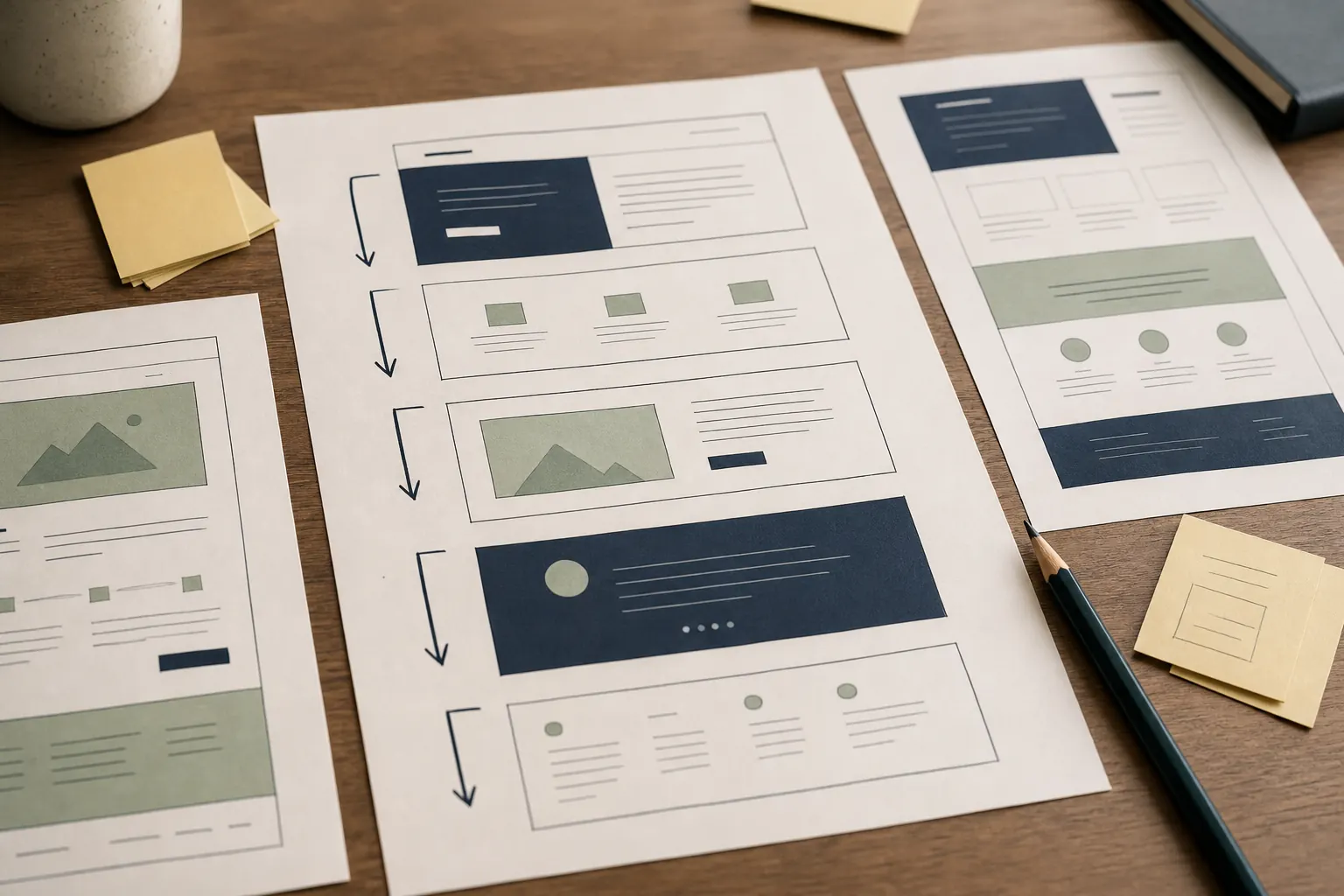
Decide what your small-business website must explain, prove and let a customer do before spending time on decorative extras.
Start with the decision a visitor needs to make
Read the note
A small-business website has one basic job: help the right person decide whether to contact, buy, book or visit. The home page should state what the business does, who it is for and where it operates without making the visitor decode a slogan. Put the main next step near that explanation. A roofer may need a prominent quote request; a café needs opening hours and directions; a consultant may need a short enquiry form. One clear route beats several equally loud buttons.
Use evidence a customer can check
Read the note
Useful proof is specific and attributable: photographs of real work, named accreditations that can be verified, clear trading details, genuine reviews and concise examples of how a job was handled. Do not invent counters, badges or vague claims such as ‘number one’. State limitations honestly. If photographs are illustrative, label them. A privacy notice should explain what happens to enquiry data, while any non-essential cookies need appropriate information and choices; the ICO provides current UK guidance.
Give each important question a proper home
Read the note
Plan pages around customer questions rather than internal departments. A focused service page should explain the job, likely fit, process and exclusions. An about page can identify the people or business behind the work. Contact details, service area, hours and response expectations should be easy to find. Prices are not always fixed, but a range, minimum charge or explanation of what affects cost is more useful than ‘contact us for details’. Avoid making visitors hunt through a gallery to discover the services offered.
Make the contact route work on an ordinary phone
Read the note
Read the site on a small screen in daylight and try every contact method. Text should resize, controls should have clear labels and keyboard focus should remain visible. Forms should ask only for information needed at that stage, explain errors in words and confirm that a submission arrived. Provide an alternative such as email or telephone where practical. W3C accessibility guidance is a sound reference point, but a quick human test often catches the immediate obstacles: tiny text, low contrast, menus that will not close and fields without labels.
Keep ownership and routine care uncomplicated
Read the note
Record who controls the domain, hosting, website platform, business email and analytics. Use business-controlled accounts, individual administrator logins and multi-factor authentication. Then set a modest maintenance rhythm: install supported updates, back up before material changes, renew the domain, test forms and remove expired offers. A simple site that remains accurate is more valuable than an elaborate one nobody can safely update. These essentials form a practical scope for a first build or a tidy-up brief.
Practical cards
Small-business website essentials brief
Fill in each card before discussing colours, animation or optional features.
Plain-English offerWrite one sentence naming the service or product, intended customer and genuine service area.
Primary actionChoose one main action and record the exact destination: call, form, booking page, shop or directions.
Core pagesList only pages that answer a distinct customer question, with an owner for the words on each page.
Practical factsGather hours, contact details, coverage, lead times, access notes, payment methods and any meaningful exclusions.
Checkable proofInventory real photographs, review sources, registrations, guarantees and case notes; mark anything still awaiting evidence.
Enquiry handlingName who receives each enquiry, the confirmation shown or sent, and the realistic response window.
Legal and privacyIdentify the business details, privacy information and cookie choices the site needs for its actual features.
Business controlRecord the account owner, recovery email and renewal date for the domain, hosting, mailbox and website platform.