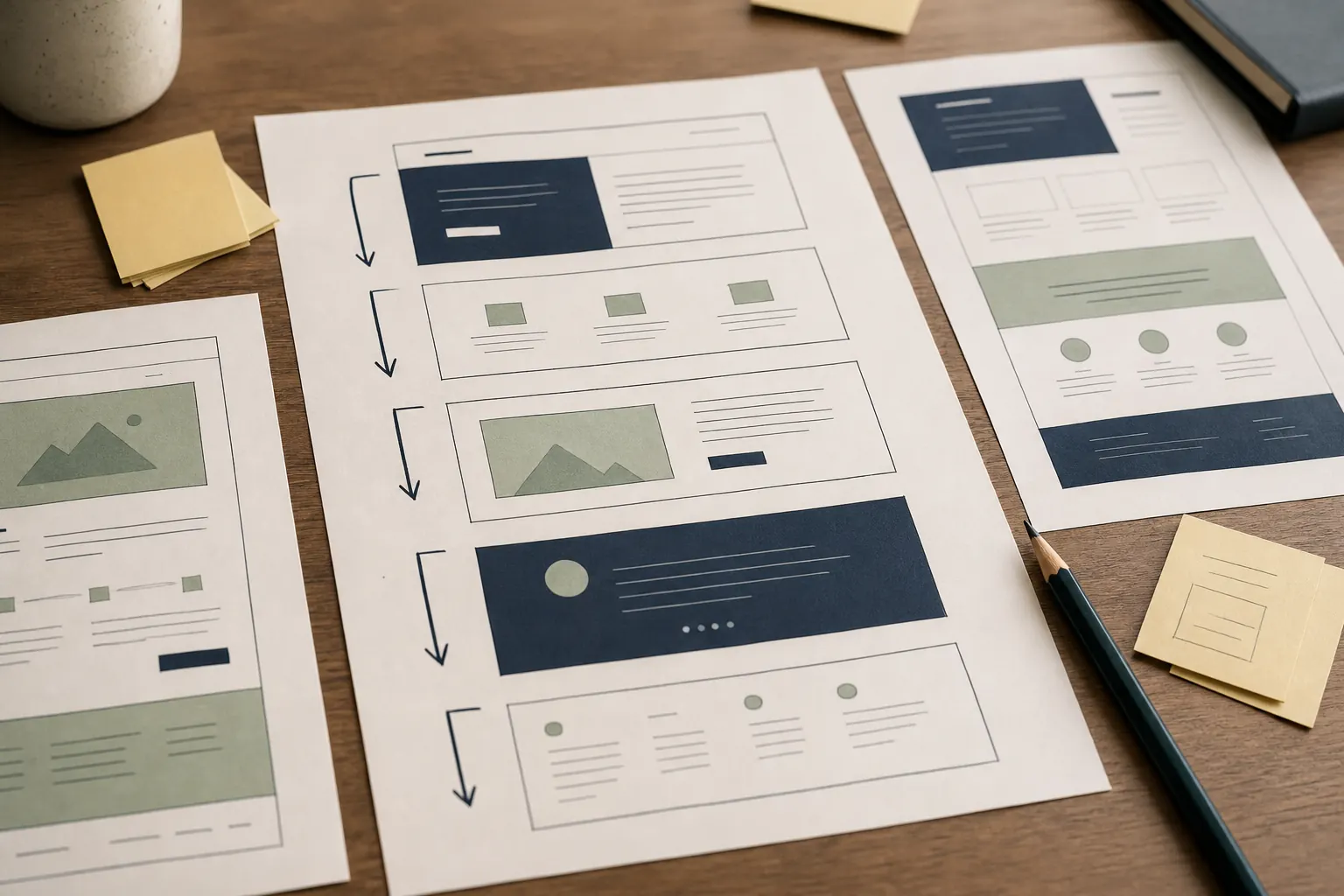
Use a labelled illustrative plan to organise a trade website around enquiries, services, coverage and proof.
The illustrative business and the enquiry it wants
Read the note
This example is for a fictional generalised business, ‘Oak Lane Heating’, serving homes within a defined local area. It offers boiler repairs, planned replacements and annual servicing. Its preferred outcome is a qualified enquiry containing the postcode, job type, urgency and safe contact details. The example does not claim real qualifications, response times or prices. Those fields must be replaced with verified business facts. The point is to show how a modest trade site can guide different needs without becoming a directory of near-identical pages.
Services are separated by customer situation
Read the note
Repair, replacement and servicing each receive a page because the questions differ. A repair page covers symptoms the firm handles, information to provide, access and what happens next. A replacement page can explain survey, quotation and installation stages, plus factors affecting scope. Servicing covers what is included and excluded, preparation and record-keeping. Related sub-services can sit within these pages until there is enough distinct, helpful material to justify another address. This avoids a stack of thin pages that differ only by keyword.
The route from the home page
Read the note
The home page opens with the trade, customer type and coverage, followed by two routes: ‘I need a repair’ and ‘I am planning work’. It gives a short service overview, a compact coverage statement, selected real-world proof when available and a clear contact option. Emergency wording appears only if the business genuinely offers that service. The navigation stays small: Services, Areas, About, Advice and Contact. Visitors should not need to know the company’s internal terminology to choose a route.
Coverage is explained without pretending to have branches
Read the note
One areas page lists the genuine operating radius or named places, travel constraints and any call-out differences the business is willing to publish. A separate location page is worthwhile only when the place changes the useful answer, perhaps because of housing stock, parking, access or a documented body of work. It must not imply a local office that does not exist. The site footer repeats only a concise coverage statement, not a long list of towns pasted onto every page.
Proof and ownership sit behind the plan
Read the note
The About page identifies the trading entity, relevant people and only verified memberships or credentials. Project notes use genuine photographs with permission and explain the initial problem, agreed work and constraints without inventing outcomes. Contact includes the information needed to triage safely and a privacy link. Behind the scenes, the business controls its domain, mailbox and website accounts. The labelled plan below can become a content brief: each label defines a page’s job, required evidence and next step.
Illustrative example — not a real client or result.
Practical sample
Labelled sample sitemap: Oak Lane Heating
Illustrative only: replace every business detail and proof field with accurate information before use.
P1 — HomeJob: orient and route. Content: trade, customer, true coverage, repair/planned-work choices, compact proof. Action: start an enquiry.
P2 — Boiler repairsJob: qualify a fault enquiry. Content: suitable symptoms, exclusions, information needed, access and next steps. Action: report a problem.
P3 — Boiler replacementJob: explain planned work. Content: survey, quote, installation sequence and cost variables. Action: request an assessment.
P4 — Annual servicingJob: set expectations. Content: included checks, exclusions, preparation and documents supplied. Action: ask for availability.
P5 — Areas coveredJob: answer ‘will you travel to me?’. Content: honest radius or places, travel constraints and office location only if real.
P6 — About and credentialsJob: establish identity. Content: trading details, people, experience and independently verifiable credentials. Action: check suitability.
P7 — Project notesJob: show relevant evidence. Content: permitted real photographs, problem, agreed scope and constraints; no fabricated results.
P8 — AdviceJob: answer recurring pre-enquiry questions. Content: safety boundaries, preparation and decision guidance. Action: choose a relevant service.
P9 — ContactJob: collect a workable enquiry. Fields: name, postcode, service, non-sensitive description, contact preference and consent information.